
Product
Watch a Robot Solve a Maze on Its Own in MuJoCo
Walls, dead ends, and no map. See how Drift builds a maze in MuJoCo and gives a robot autonomous navigation to reach the goal, all from a single prompt.
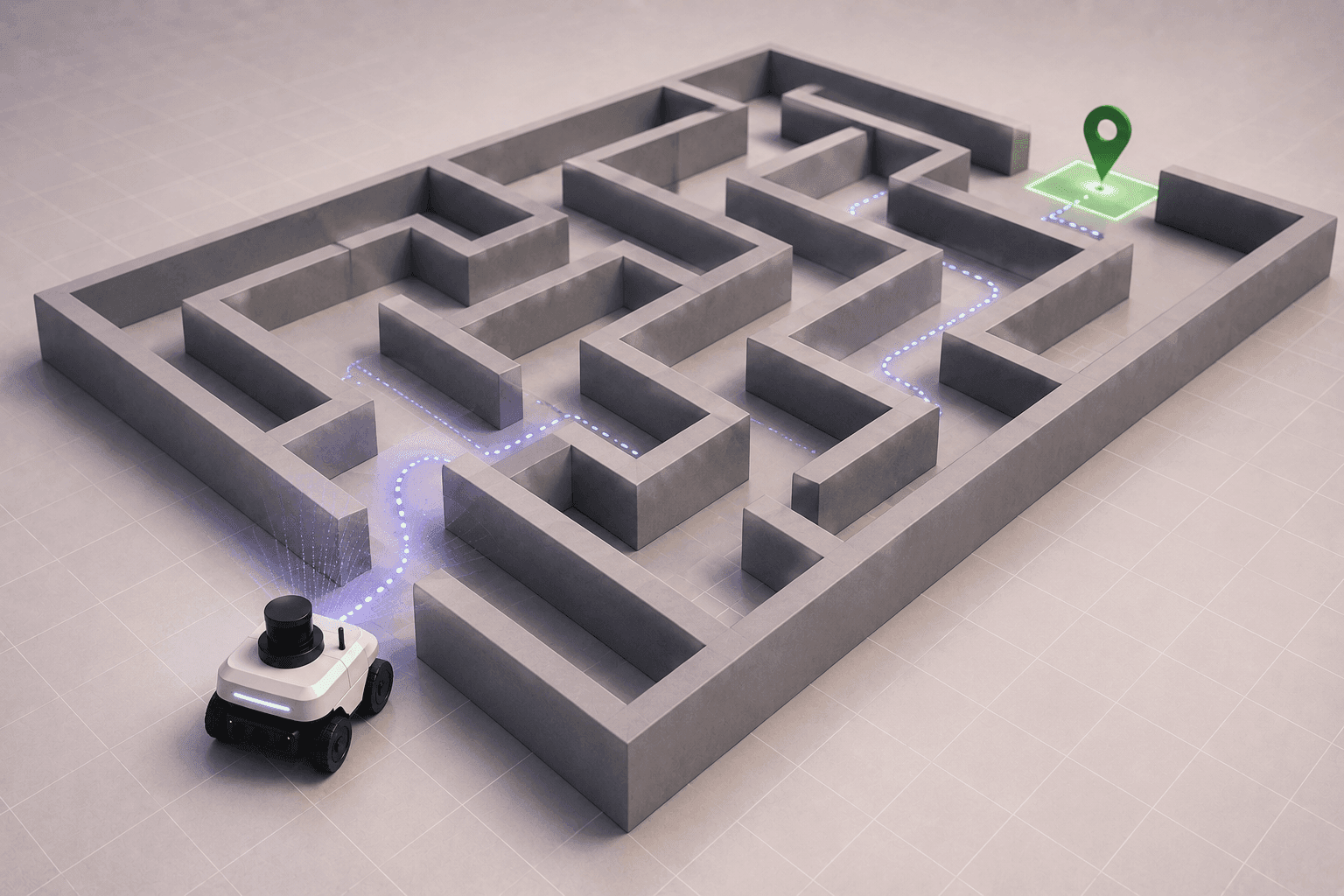
Driving from A to B sounds simple. Add walls, obstacles, and dead ends and the robot has to figure it out for itself.
Getting a robot from one point to another sounds simple until walls, obstacles, and dead ends get in the way. This walkthrough builds autonomous maze navigation in MuJoCo, where a mobile robot has to work out its own route to the goal, and we let Drift generate the maze, the robot and the navigation logic from one prompt.
Why a maze is a good test of autonomous navigation
A maze strips navigation down to its essentials. There's no clear line to the goal, the robot can't see the whole layout at once, and a wrong turn leads to a dead end. To get through, it has to perceive what's immediately around it and make decisions as it goes.
That makes it a compact version of the real challenge. The robot needs to detect walls, avoid hitting them, and keep updating its path based on what it discovers, which is the core of how robots navigate anywhere.
Generating the maze and navigation logic with Drift
Rather than building the maze and writing the navigation code separately, we give Drift a single prompt: generate a maze, spawn a mobile robot and implement autonomous navigation that avoids collisions while finding its way to the goal.
Here's what it produces:
- The maze environment:** **Drift creates the scene in MuJoCo, laying out the walls and pathways that define the challenge.
- The robot at the start: A mobile robot is placed at the maze entrance, ready to run.
- The navigation logic:** **The decision-making that lets the robot sense its surroundings, steer clear of walls, and work toward the goal is generated and wired in. If you're starting fresh, here's how to install MuJoCo in one prompt first.
Watching the robot find its way to the goal
Here's the robot at the entrance of the maze. The simulation starts, and it goes to work.
It detects the surrounding walls, avoids collisions, and continuously adjusts its path toward the goal. No one is steering it. Every turn is the robot reading its immediate surroundings and deciding what to do next, which is what makes watching it worthwhile: you're seeing the decision loop play out in real time.
What maze navigation teaches you about real robots
This is a simple maze, but the same idea scales up. Real robots navigating warehouses, offices, and other unfamiliar spaces work exactly this way: they constantly perceive their surroundings, make decisions, and update their path as they move.
An office environment full of desks and chairs is a messier version of the same problem. The maze just makes the logic easy to see, because every wall forces a visible decision.
Testing how robots make decisions in motion
Reaching the destination is only part of the goal. Reaching it safely, without clipping a wall or getting stuck, is what autonomous navigation is really about, and a maze makes any failure obvious immediately.
With Drift generating the environment and the navigation setup, the setup work is out of the way and you can focus on the interesting part: how the robot makes decisions while it's moving. Generate a maze, change the layout, and watch how the behavior holds up. The full run is in the video above.
FAQ
- How does a robot navigate a maze autonomously? It senses the walls around it, avoids collisions, and continuously re-plans its route toward the goal as it discovers the layout. Instead of following a fixed path, it makes decisions based on what it perceives at each step.
- How do you build a maze simulation in MuJoCo? You need a MuJoCo scene with walls and pathways, a mobile robot placed at the start, and navigation logic that drives it toward the goal. In this walkthrough, Drift generates all three from a single prompt and launches it in MuJoCo.
- Why use a maze to test robot navigation? A maze forces the robot to handle the hardest parts of navigation in a small space: no direct line to the goal, limited visibility, dead ends, and constant obstacle avoidance. Failures are immediately visible, which makes it a useful way to study navigation behavior.
- How does this compare to real-world robot navigation? The principle is the same. Robots in warehouses and offices perceive their surroundings, decide where to go, and update their path as they move. Real environments add moving people, uneven floors, and imperfect sensors, but the underlying loop matches.
- What does Drift generate for maze navigation? Drift generates the maze environment, spawns the mobile robot at the start, and implements the autonomous navigation logic, all from a natural-language prompt, so the scene and the navigation setup are ready to run.


