Product
I Used an AI Agent to Explain the LeRobot Codebase (Hugging Face Robotics)
LeRobot from Hugging Face packs datasets, policies, and simulation tools into one big repo. See how Drift maps its whole structure from a single prompt.
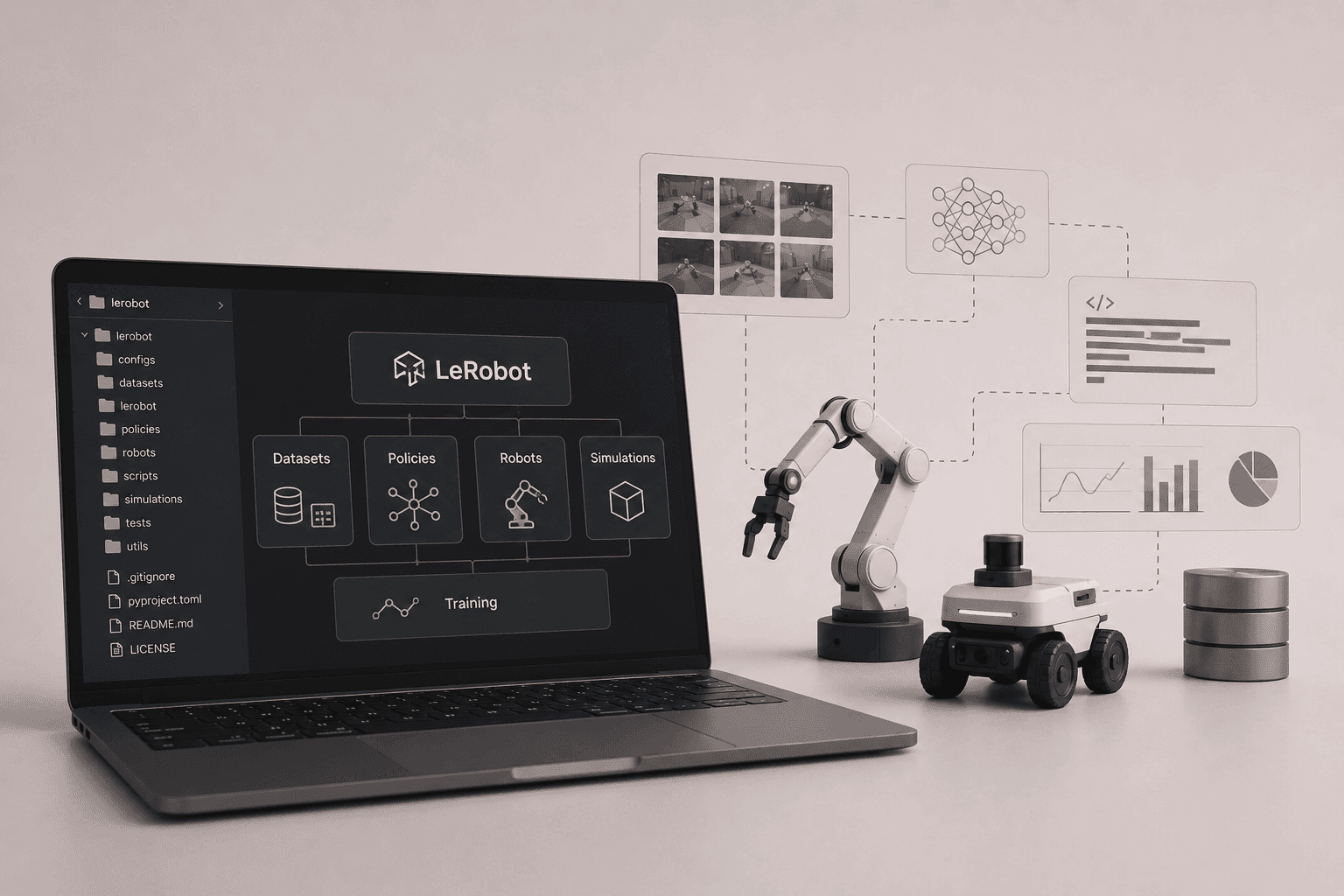
New to robot learning? Here's how to map a huge open-source robotics repo in minutes instead of clicking through folders for an hour.
Why big open-source robotics repos feel intimidating at first
If you're getting into robotics and wondering how people actually train robots, work with datasets, or run policies, the best open-source tools are where you start. They're also where a lot of people get stuck.
The reason is simple. The most capable repositories are big. You open one up and immediately see a wall of folders, modules, and config files, with no obvious place to begin. The learning you came for is in there somewhere, sitting under layers of structure you have to decode first.
What's inside LeRobot, Hugging Face's open-source robot learning library?
Datasets, policies, training code, robot interfaces, and simulation tools, all in one place.
For this one I opened LeRobot from Hugging Face, one of the most popular open-source robotics projects out there. People sometimes describe it as the "Transformers for robotics," and the scope lives up to that. It bundles datasets, policies, training code, robot interfaces, and simulation tools into a single library.
That breadth is exactly what makes it powerful, and exactly what makes a fresh clone feel like a lot to take in.
Mapping the LeRobot codebase with Drift in one prompt
The starting point was bare. A fresh workspace, just the cloned repository, nothing else set up.
One prompt did the inspection. Instead of clicking through folders and trying to piece things together by hand, I opened Drift and asked it to read the repo:
"Inspect the lerobot directory and give a summary of the repo."
It mapped the top-level structure first. Within a moment the layout came back clean. The top-level structure was laid out plainly, so the shape of the project was readable at a glance.
Then it surfaced the core modules. Underneath, it pulled out the pieces that matter for actually using the library: policies, datasets, robot interfaces, and simulation environments. That's the map you normally build in your head over an hour of digging.
From folder archaeology to actually learning robotics
This is the part I enjoy most: the moment a giant robotics repo stops feeling intimidating.
The best open-source tools are often buried under layers of complexity, and the time you spend excavating them is time you're not spending on the thing you opened the repo to learn. Getting the architecture handed to you up front means you skip the folder archaeology and go straight to reading the policies, loading a dataset, or running something in simulation.
For anyone learning robot learning from open-source code, that shift from "where is everything" to "now I can start" is the whole game.
Try it on any robotics repo
Next time a big repository feels like a wall, don't start by clicking through folders. Clone the repo, open Drift, and ask it to map the codebase for you.
FAQ
- What is LeRobot? LeRobot is Hugging Face's open-source robotics library for robot learning. It provides datasets, pretrained policies, robot interfaces, and simulation environments in PyTorch, aiming to lower the barrier to entry for working with real-world robots.
- What is Drift? Drift is an end-to-end robotics simulation engineering agent. It turns natural-language prompts into production-grade simulation workspaces for ROS2, Gazebo, MuJoCo, and Isaac Sim, generating URDF, SDF, MJCF, and USD files, configuring plugins and controllers, and scaffolding colcon workspaces. Beyond setup, it runs scenario variations, captures synthetic data for training, and (coming soon) trains policies on managed cloud compute.
- How is Drift different from general-purpose coding agents like Cursor, Claude Code, or GitHub Copilot? General-purpose coding agents don't understand ROS2 plumbing, URDF and SDF semantics, simulator physics, or colcon build conventions. Drift is purpose-built for robotics, reasoning about TF trees, joint controllers, plugin compatibility, mass and inertia validity, and Gazebo, MuJoCo, and Isaac Sim configuration as first-class concepts. The result is working simulations on the first run, not code that compiles but won't launch.
- Which simulators and ROS version does Drift support? Drift supports ROS2 and three major simulators: Gazebo, MuJoCo, and Isaac Sim (coming soon). It generates the matching world and robot description files (SDF for Gazebo, MJCF for MuJoCo, USD for Isaac Sim), along with the launch files, controllers, and plugin configuration needed to run them end to end.
- What data does Drift send to the cloud? Is my code private? Drift runs locally on your machine. Your workspace, URDF and SDF files, mesh assets, and ROS code never leave your environment. Only the text of your prompts and the diffs Drift proposes are sent to its API, which makes it safe to use on internal robot designs and IP-sensitive workspaces.
- What operating systems does Drift run on? Drift runs on Ubuntu. macOS and Windows are not officially supported today; engineers on those platforms typically run Drift inside an Ubuntu VM, a container, or a remote dev box.