
Product
Build a Realistic Office Environment in MuJoCo in One Prompt
A robot is only as good as the world you test it in. See how Drift builds a realistic office environment in MuJoCo, furniture and all, from a single prompt.
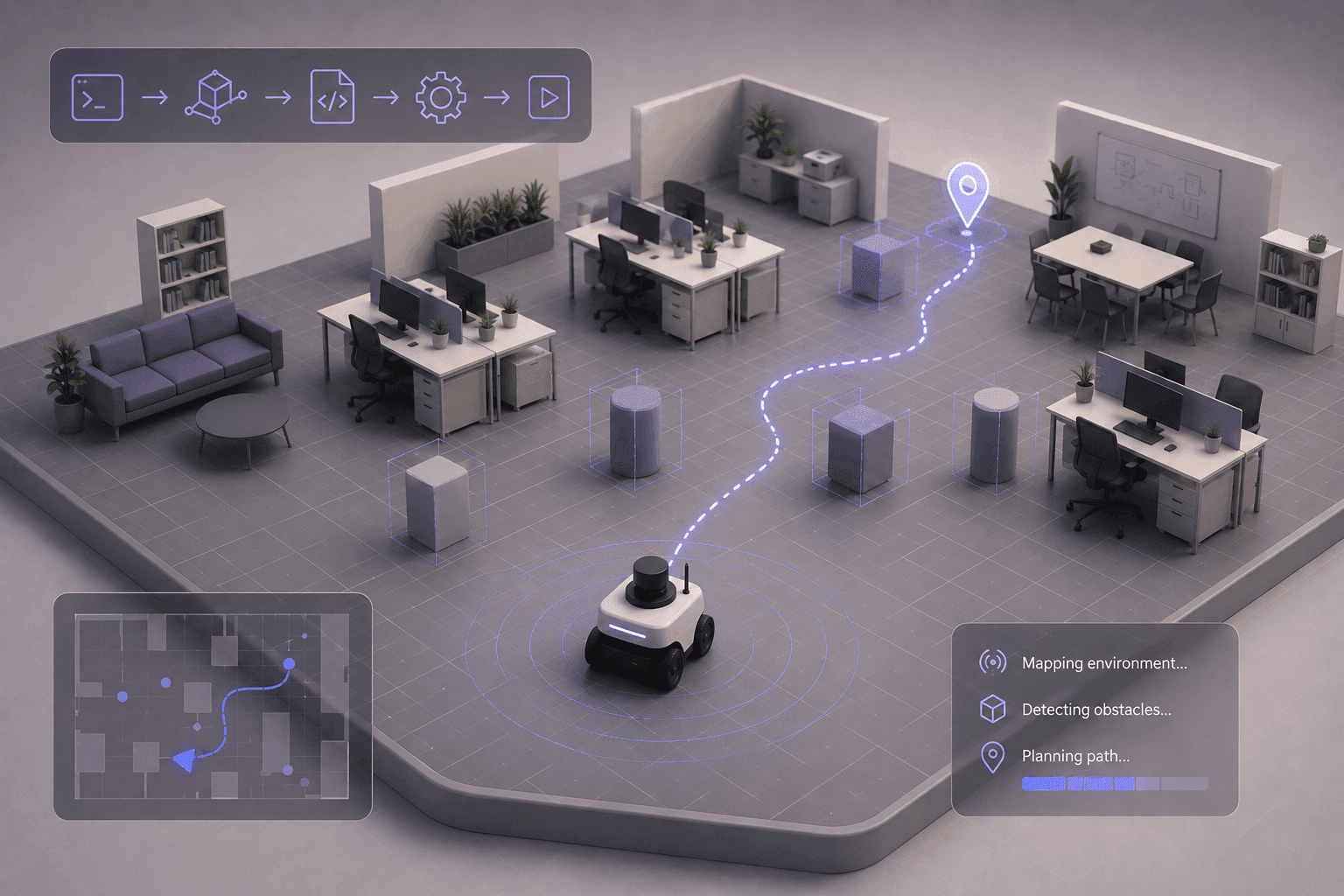
A robot is only as good as the environment you test it in. Before it ever reaches the real world, it has to prove itself in a realistic one.
This walkthrough builds a realistic office environment in MuJoCo, and rather than placing every desk and chair by hand, we let Drift generate the whole scene from one prompt.
Why your test environment matters as much as your robot
You can have a perfectly tuned robot and still learn nothing useful if you test it in an empty room. Real spaces are cluttered, and that clutter is the point.
Offices in particular are full of obstacles: tables, chairs, desks, and narrow pathways between them. That makes them a strong environment for testing navigation, perception, and how a robot interacts with the things around it. A furnished scene forces the robot to deal with the same kinds of constraints it will face once it's deployed.
Generating an office environment in MuJoCo with Drift
Instead of building the scene object by object, we initialize Drift in the terminal and describe what we want. The goal is a realistic office scene, complete with furniture, launched directly in MuJoCo. If you don't have it set up yet, here's how to install MuJoCo in one prompt.
Here's what Drift handles from that single prompt:
- It generates the office scene: Drift builds a complete office environment rather than an empty room, laying out the space as a usable workspace.
- It places the furniture: Desks, chairs, tables, and other objects are positioned throughout the scene, turning a blank floor into a realistic, cluttered environment.
- It launches MuJoCo: In a few moments the empty scene becomes a full office loaded and running in the simulator, ready to explore.
Exploring the office scene in MuJoCo
One advantage of simulation is that you can freely inspect the environment before adding any robots or controllers. Rotate the camera, move around the space, and look at how everything is arranged.
This is your chance to verify the layout, identify the obstacles a robot will need to handle, and prepare the scene for future robotics tasks. Getting the world right before you introduce a robot saves you from debugging the environment and the robot at the same time later.
What to do with your simulated office environment
A finished office scene is the foundation for the interesting work. From here you can drop in a robot and start testing how it navigates around the furniture, experiment with perception in a cluttered space, or set up manipulation and autonomous-behaviour tasks.
Building realistic environments is a core part of robotics simulation. Whether you're testing navigation, manipulation, or autonomous behavior, it starts with a world worth testing in. With Drift, generating that world takes a single prompt, so you can spend your time on the robot instead of the room. Spin up a scene, load a robot, and start testing. The full build is in the video above.
FAQ
- How do you create a simulation environment in MuJoCo? A MuJoCo environment is defined in an MJCF scene filethat describes the world, its objects, and their placement. In this walkthrough, Drift generates a complete office scene with furniture and launches it in MuJoCo from a single natural-language prompt, instead of writing the scene by hand.
- Why test robots in an office environment? Offices are full of realistic obstacles like desks, chairs, tables, and narrow pathways. That makes them a strong setting for testing navigation, perception, and robot interaction, because the robot faces the same kinds of constraints it will meet in a real deployment.
- What is a scene or environment in MuJoCo? It's the simulated world a robot operates in, including the floor, walls, furniture, and other objects, along with their positions and physical properties. A good environment lets you test a robot under realistic conditions before using real hardware.
- Can you add a robot to a MuJoCo office environment? Yes. Once the environment is built, you can place a robot model into the scene and begin testing navigation, perception, or manipulation. Inspecting and verifying the environment first makes adding the robot much smoother.
- What does Drift do for building environments? Drift generates a complete, furnished simulation environment and launches it in MuJoCo from a single prompt, handling the scene layout and object placement, so you get a realistic world to test in without building it manually.


